Device Map
Menu: Devices › Device Map
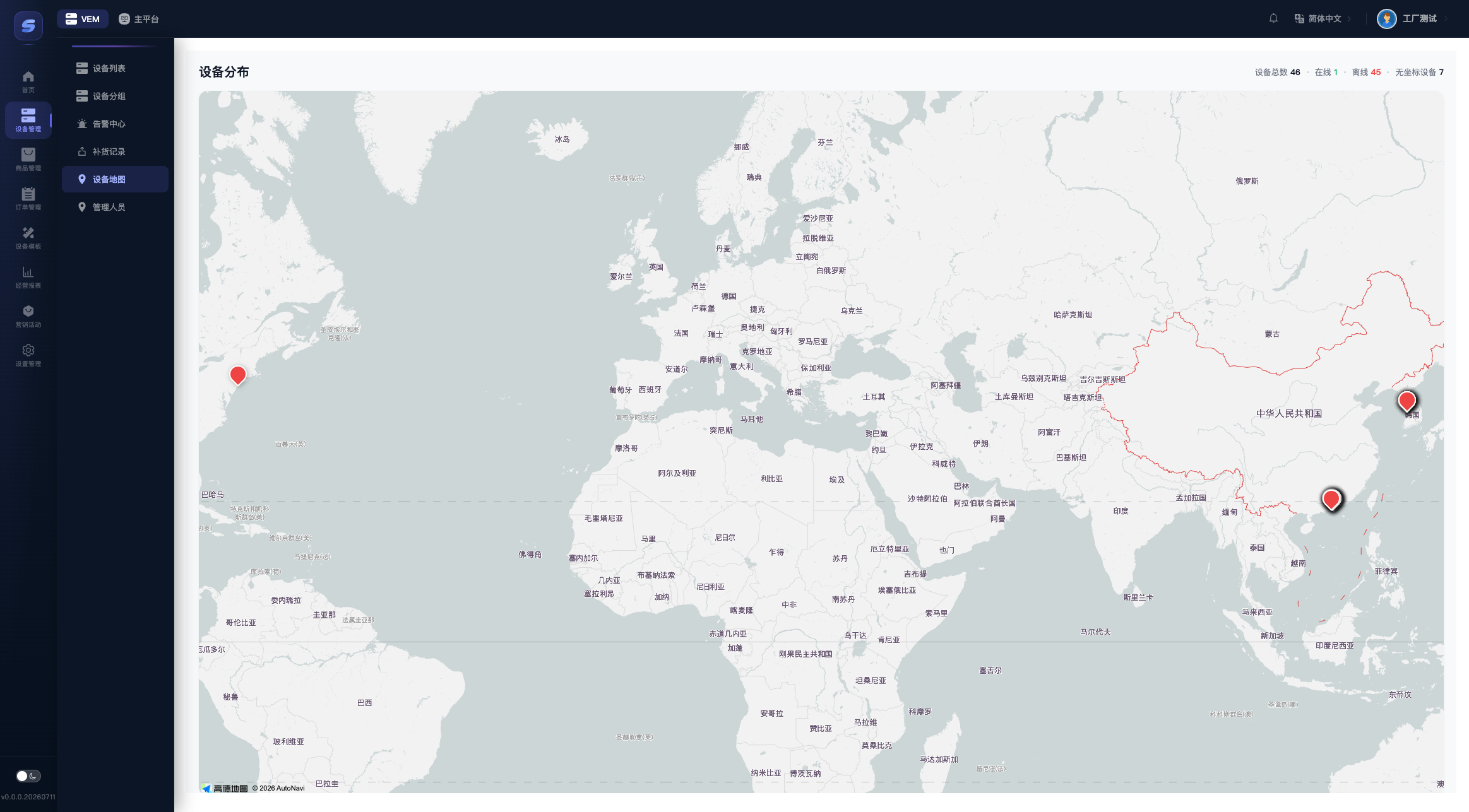
The map gives you an at-a-glance view of where all your devices are and how they are doing:
- Header stats: total devices, online (green), offline (red), and no-location devices.
- Map markers: green = online, red = offline; only devices that already have coordinates appear on the map.
- Click a marker to see the device name, code, and status, then click Detail to open the device detail page.
Where do device coordinates come from?
GPS reported by the device is used first; without GPS, the location is estimated from the IP address (which can be quite inaccurate). To correct a location manually, go to Device Detail › Device Info, drag the map marker, and save — the map page itself is view-only.