System Settings
Menu: Settings. The page has two cards, each saved independently.
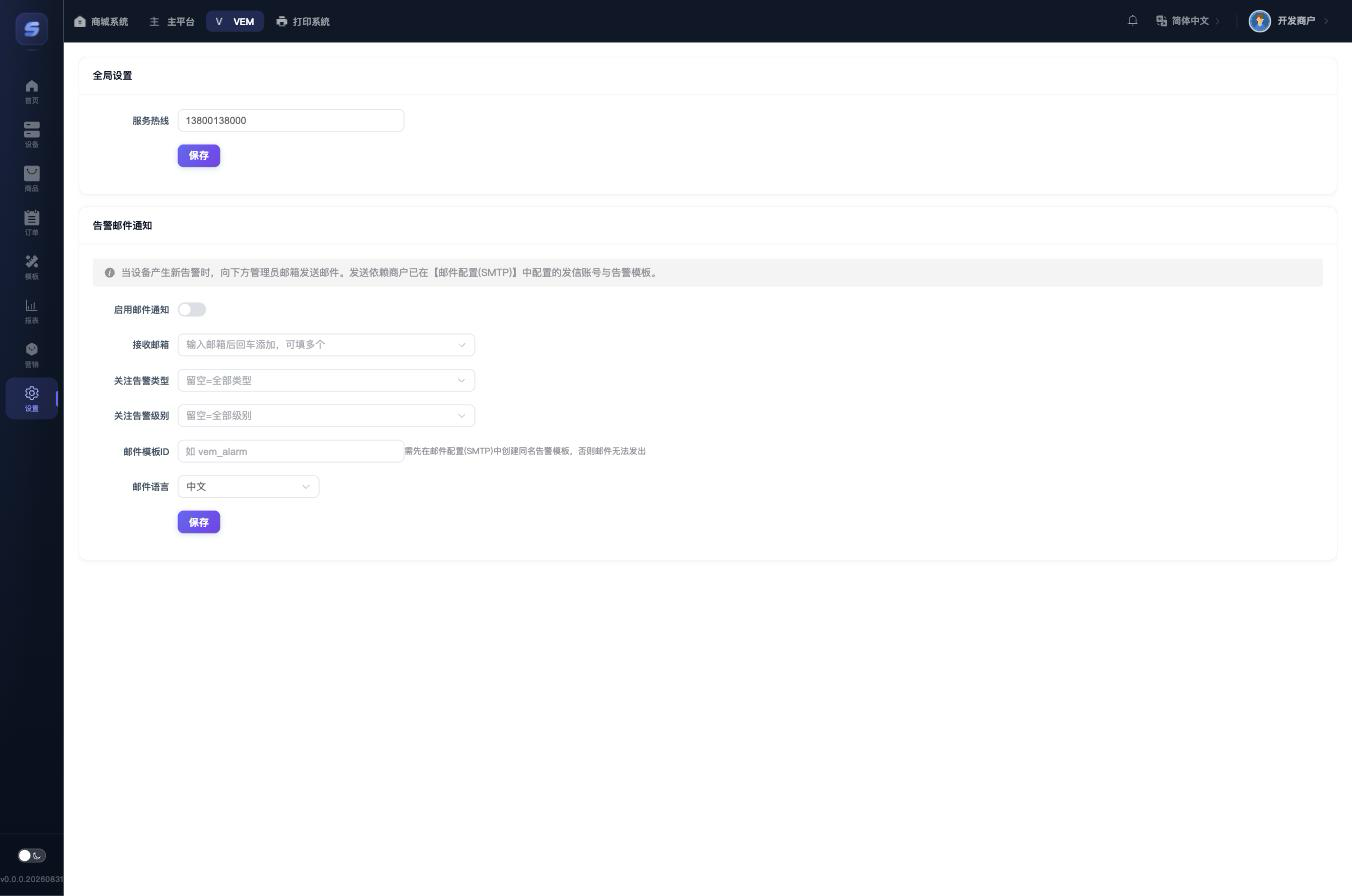
Global Settings
| Item | Description |
|---|---|
| Service Hotline | The customer service phone number displayed on all device screens by default. To use a different number on a specific device, set the "dedicated service hotline" in that device's detail page |
Alarm Email Notification
When a device raises a new alarm, an email is sent to the specified addresses.
| Item | Description |
|---|---|
| Enable email notification | Master switch |
| Recipient emails | Type an email and press Enter to add; multiple allowed |
| Alarm types | Emails are sent only for the checked types; empty = all types |
| Alarm levels | Info / Warning / Error; empty = all levels (an email is sent only when both type and level match) |
| Email template ID | Must match the name of the alarm template created in the Email (SMTP) settings, otherwise emails cannot be sent |
| Email language | Chinese / English |
Prerequisites
Sending relies on the merchant's already-configured Email (SMTP) sender account and alarm template. That configuration lives outside this app; complete the SMTP setup before enabling this feature.